Navigation
Features related to route planning, traffic updates, and voice guidance
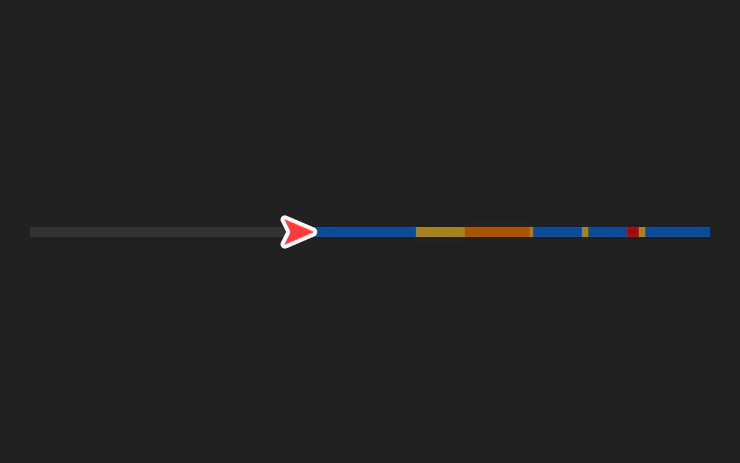
Trip Progress Bar
2024.14Below the turn-by-turn list in your navigation, you’ll now see a progress bar that changes as you drive closer to your destination or next stop. The …
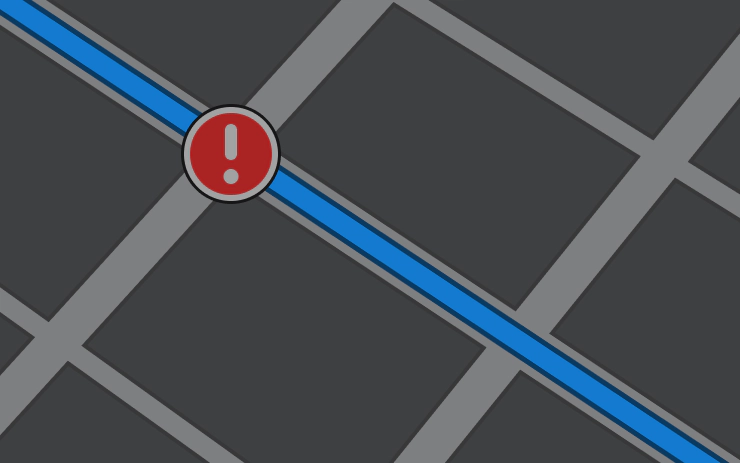
Danger Zones on Your Route
2024.8.3Navigation now includes symbols along your route to show danger zones. To see this route information you must have Navigation > Online Routing turned …
Alternative Routes While Driving
2023.44.25See alternative routes in Navigation and switch routes, even after you’ve started driving. While driving, choose the map mode button at top right, or …
Minor Updates
2023.44.25Shuffle your TIDAL playlists and albums. In Apple Music and Spotify, you can show your account profile image to indicate which account you’re using …
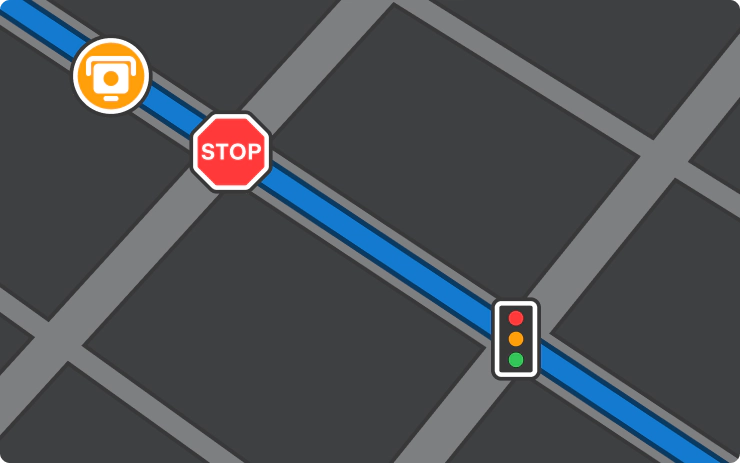
Speed Cameras on Your Route
2023.44.25Navigation now includes symbols along your route to show speed cameras, stop signs, and traffic lights. To see this route information, you must have …
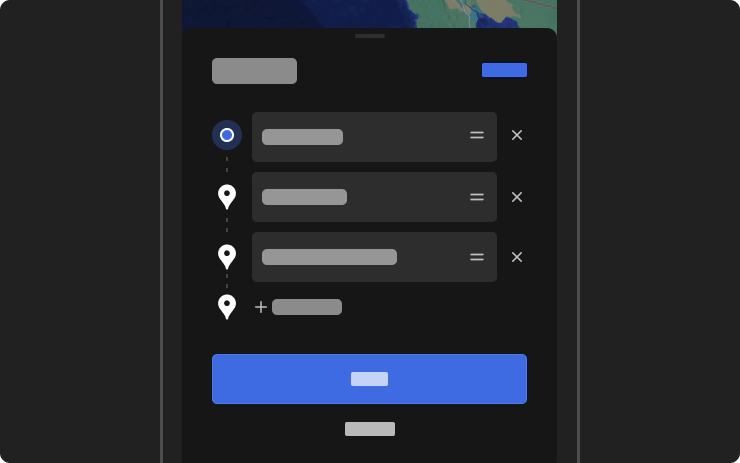
Trip Planner on Mobile App
2023.44.25Use the Tesla mobile app to plan a trip. Go to Location > Navigate and enter a destination. For multiple stops or to make changes, simply Edit Trip > …