Display
Features related to screen brightness, language preferences, and layout configurations
Wheel Selection
2026.32.3Choose from new wheel options to customize the appearance of your Tesla.
Rear Display
2026.26Disable rear touchscreen controls from the center display by going to App Launcher > Rear > Lock Rear Display. Content selected from the center …
Welcome Animation
2026.26Your Tesla now welcomes you with animations when turning on. To disable, go to Controls > Display > Welcome Animation.
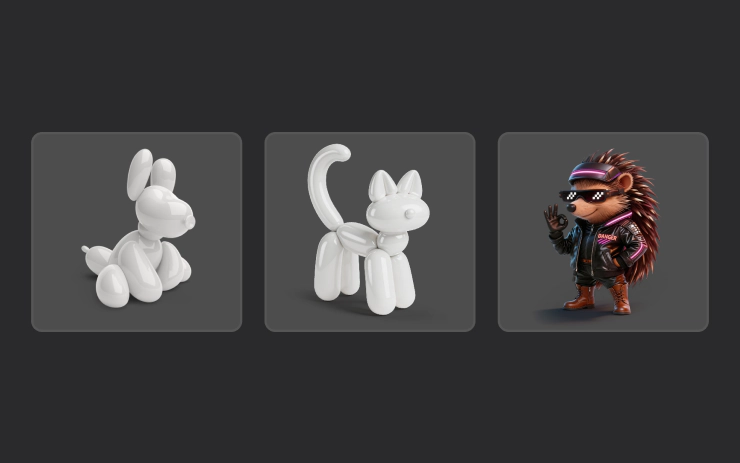
Pet Mode
2026.14Choose and name your pet by going to Controls > Display > Customize Pet Mode.
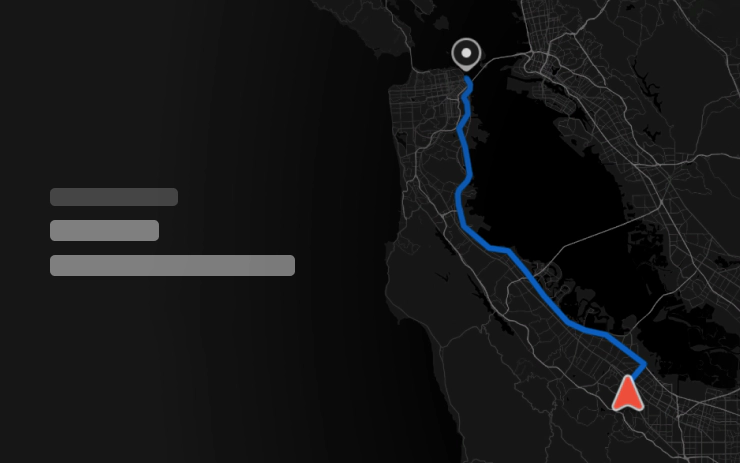
Rear Display
2026.14Passengers in rear seats can now view and interact with maps on the rear display while your Tesla navigates a route. Tap the maps icon from the rear …
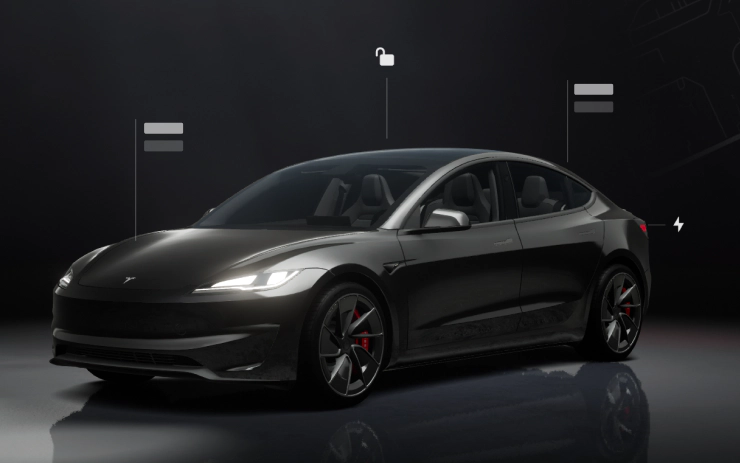
Visual Updates
2026.14The center display now features higher quality images of your Tesla, and an enhanced park scene environment.