Disable rear touchscreen controls from the center display by going to App Launcher > Rear > Lock Rear Display. Content selected from the center display will continue to play in the rear.
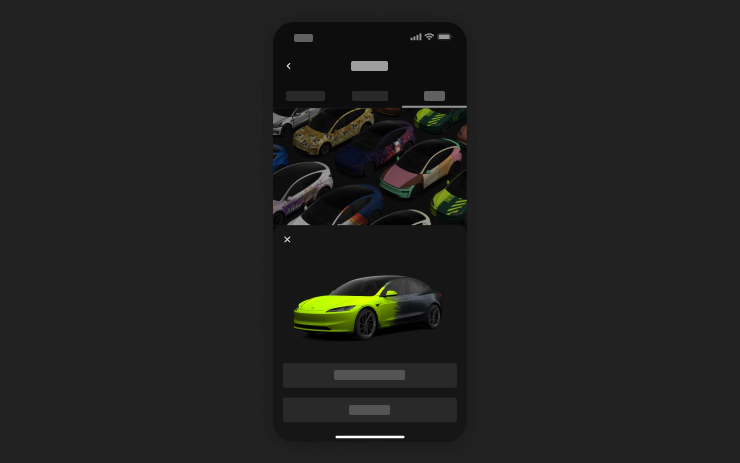
Use the Mobile App to upload custom wrap designs from images on your phone and send directly to your …
Grok can now make phone calls, play music, adjust climate, and search the Controls panel. Ask Grok …